Supported advertising accounts in one workspace
 Commerce
beyond today
Advertising
Advertising analyzed in full commerce context
Advertising connects supported ad accounts with Zavyra sales and analytics. Users review campaign configuration and provider-sourced cost, click, conversion, revenue and ROAS data without presenting missing values as confirmed results.
Try Zavyra →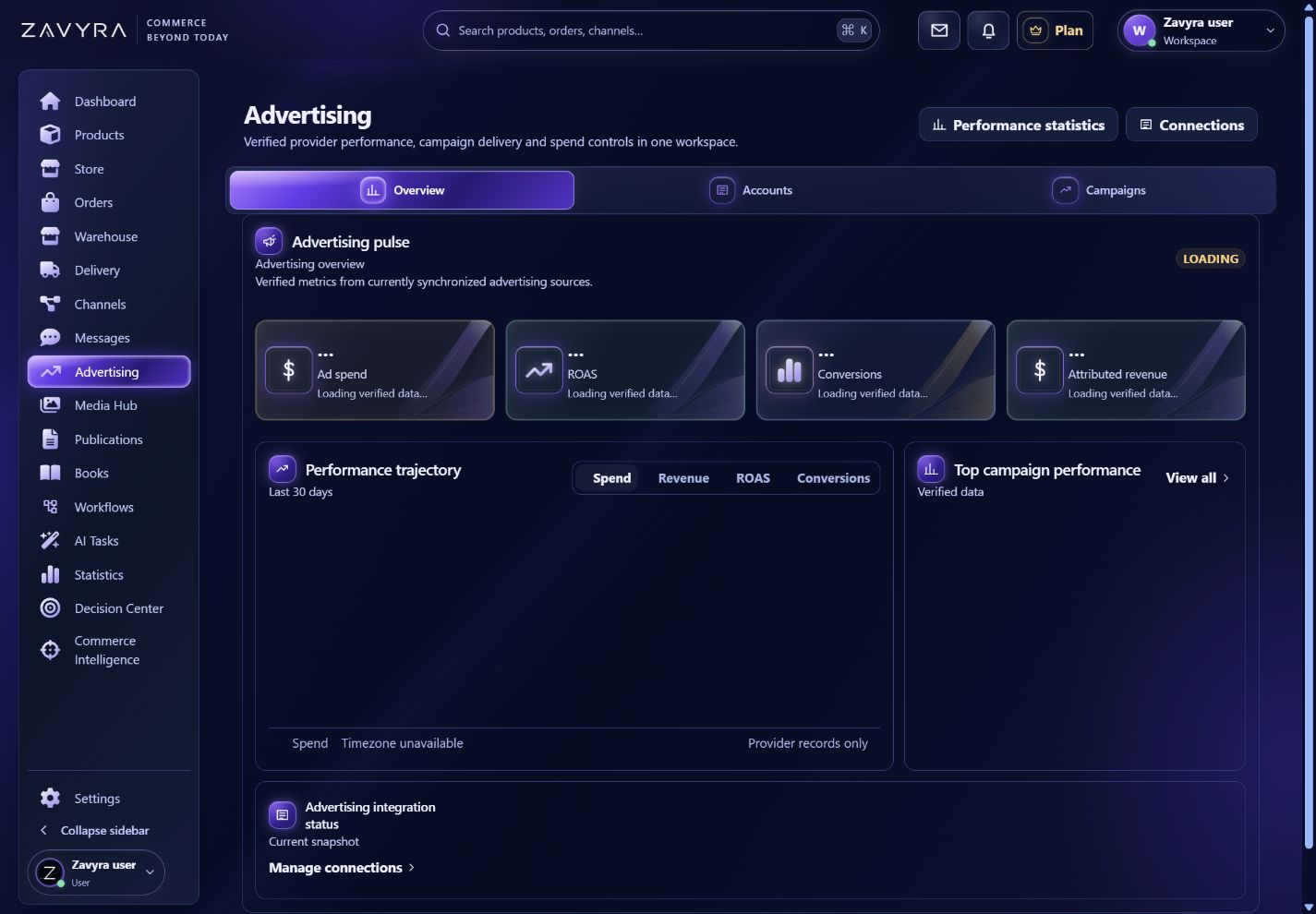
01
What your team gains
Campaign controls within integration and permission scope
Cost, clicks, conversions, revenue and ROAS
Advertising results connected with orders and Decision Center
Explore how this module looks and works.
A clickable preview with sample data. Operations remain local simulations.
Demo data. Switch views, change example settings and review the result in this preview.
02
Advertising campaigns analyzed together with sales
Advertising connects available Google Ads, Meta Ads and Amazon Ads accounts with the Zavyra workspace. Allegro Ads remains marked “Coming soon” and will be offered after the integration is complete. Campaign configuration and available provider data sit in the same environment as products, orders and sales results. Cost, clicks, conversions, attributed revenue and ROAS therefore become part of the broader commerce operation rather than an isolated marketing report.
Zavyra distinguishes source data from unavailable values. When an account, permission scope or attribution source does not provide a metric, the module does not replace it with zero or an estimate. A user can evaluate results for the selected period, open the campaign and connect the observation with Statistics, Market Intelligence or Decision Center while retaining deliberate control over advertising changes.
Ways to use the Advertising module
Compare advertising accounts
Review campaigns and confirmed metrics from several providers within the same time range.
Control cost and ROAS
Compare advertising spend, conversions and attributed revenue with available commerce data.
Create decision signals
Move a problem or opportunity into further analysis without automatically changing budget or launching a campaign.
How the workflow works
Connect account
Authorize the provider and select an advertising account for the workspace.
Review campaigns
Compare configuration and confirmed metrics for the selected period.
Make a decision
Move from results to the campaign, analysis or recommendation.
Frequently asked questions
Does Zavyra estimate missing advertising results?+
No. Missing sources or attribution remain identified as unavailable.
Does connecting an account automatically launch campaigns?+
No. Available operations require the correct permissions and an explicit user action.