 Commerce
beyond today
Amazon integration inside one multi-channel system
Zavyra places Amazon beside Allegro, eBay, Etsy and Shopify so the team can manage a shared catalog without hiding the differences between marketplaces. Data and operation states remain attached to the right channel.
What this integration connects
Prepare the product in Zavyra, review Amazon and cross-channel requirements, then follow publication and orders. Amazon advertising remains a separate, clearly identified integration.
- ✓Central product and variant data
- ✓Publication preparation for Amazon requirements
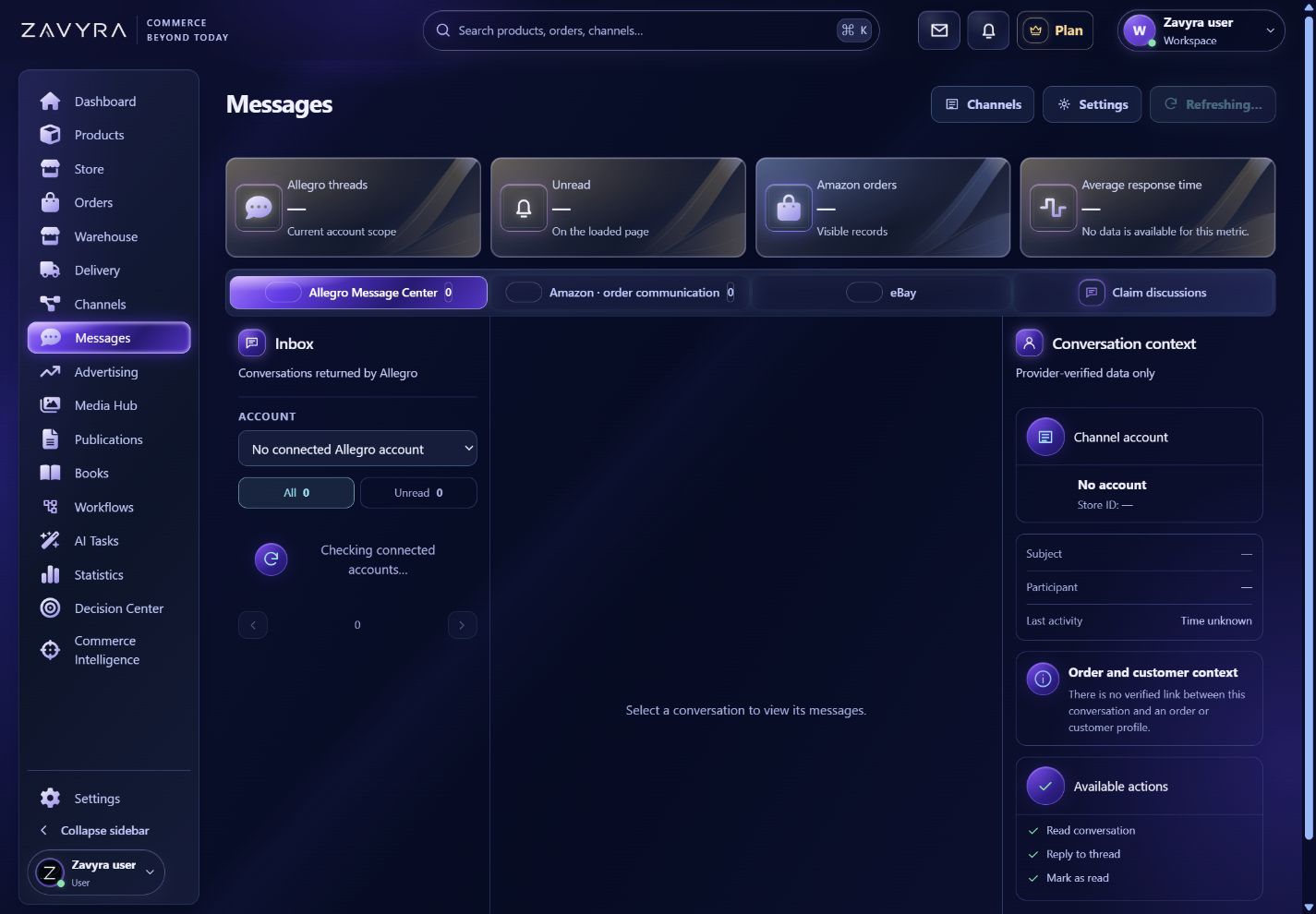
- ✓Amazon messages in Message Center
- ✓Sales context connected with Amazon Ads
What connects with Amazon?
Zavyra connects Amazon with the following channels and services inside one clear workflow.
Amazon and Allegro integration through Zavyra
Connect both accounts to the same Zavyra workspace and prepare a shared product-data base. For Amazon, review Amazon product identifiers and listing requirements; for Allegro, check Allegro categories, parameters and listing requirements. Review content and publication readiness separately for each channel. Orders and operation results stay attached to their own account, so you can work across both channels in one workspace. Import, publication and synchronization scope depends on the permissions and requirements of each platform.
Available
Amazon and eBay integration through Zavyra
Connect both accounts to the same Zavyra workspace and prepare a shared product-data base. For Amazon, review Amazon product identifiers and listing requirements; for eBay, check eBay categories and item specifics. Review content and publication readiness separately for each channel. Orders and operation results stay attached to their own account, so you can work across both channels in one workspace. Import, publication and synchronization scope depends on the permissions and requirements of each platform.
Available
Amazon and Etsy integration through Zavyra
Connect both accounts to the same Zavyra workspace and prepare a shared product-data base. For Amazon, review Amazon product identifiers and listing requirements; for Etsy, check Etsy variations and listing requirements. Review content and publication readiness separately for each channel. Orders and operation results stay attached to their own account, so you can work across both channels in one workspace. Import, publication and synchronization scope depends on the permissions and requirements of each platform.
Available
Amazon and Shopify integration through Zavyra
Connect both accounts to the same Zavyra workspace and prepare a shared product-data base. For Amazon, review Amazon product identifiers and listing requirements; for Shopify, check Shopify store products and variants. Review content and publication readiness separately for each channel. Orders and operation results stay attached to their own account, so you can work across both channels in one workspace. Import, publication and synchronization scope depends on the permissions and requirements of each platform.
Connect Amazon with Shopify around a shared catalog in Zavyra, while reviewing each channel's requirements separately. Shopify products and variants can help you prepare the common product record; Amazon identifiers and listing rules determine what needs attention before publication. Check the result for the destination account and retain the channel context when working with orders. The shipping workflow described here applies to eligible orders fulfilled by the seller.
Available

Amazon and InPost shipping integration through Zavyra
Prepare a seller-fulfilled Amazon order held in Zavyra, check its delivery details and choose a compatible InPost account and service. Supported InPost services cover domestic locker, pickup-point and courier shipments in Poland. Your own ShipX account is required; point delivery needs a valid destination pickup point. Handle the label and dispatch result beside the correct order. Review the address, parcel and any required pickup point before continuing; availability depends on the service and your permissions.
Available
Amazon and DHL shipping integration through Zavyra
Prepare a seller-fulfilled Amazon order held in Zavyra, check its delivery details and choose a compatible DHL account and service. This scope covers DHL eCommerce Poland through DHL24 WebAPI v2. Your WebAPI credentials, SAP account number and sender details allow you to prepare a compatible domestic shipment and label. Handle the label and dispatch result beside the correct order. Review the address, parcel and any required pickup point before continuing; availability depends on the service and your permissions.
Available
Amazon and DPD shipping integration through Zavyra
Prepare a seller-fulfilled Amazon order held in Zavyra, check its delivery details and choose a compatible DPD account and service. Access covers DPD Poland through DPD Services, using your API login, password and FID identifier. Pickup-point services and tracking have separate access requirements beyond creating a label. Handle the label and dispatch result beside the correct order. Review the address, parcel and any required pickup point before continuing; availability depends on the service and your permissions.
Available
Amazon and Furgonetka shipping integration through Zavyra
Prepare a seller-fulfilled Amazon order held in Zavyra, check its delivery details and choose a compatible Furgonetka account and service. The order uses your Furgonetka account and services offered by the broker. Route availability, price and conditions depend on the specific service currently offered; review its quote before purchasing shipping. Handle the label and dispatch result beside the correct order. Review the address, parcel and any required pickup point before continuing; availability depends on the service and your permissions.
Available
Amazon and ORLEN Paczka shipping integration through Zavyra
Prepare a seller-fulfilled Amazon order held in Zavyra, check its delivery details and choose a compatible ORLEN Paczka account and service. This ORLEN Paczka scope covers domestic pickup-point shipments in Poland under a POSTPAID business contract. Partner ID, partner key and a destination point are required; the service accepts one parcel within its limits. Handle the label and dispatch result beside the correct order. Review the address, parcel and any required pickup point before continuing; availability depends on the service and your permissions.
AvailableAmazon integration FAQ
Can Amazon connect with Allegro and eBay?+
Yes. Zavyra supports these channels in one workspace while preserving channel-specific requirements and publication results.
Is Amazon Ads part of the same integration?+
Amazon Ads uses a separate approved advertising connection described on its own page.
Does connecting Amazon and Allegro copy every listing unchanged?+
Listings need preparation for each channel. Shared product data is the starting point, while Amazon product identifiers and listing requirements and Allegro categories, parameters and listing requirements require separate review. The connection does not automatically copy every listing or make the APIs identical.
How do I connect Amazon and Etsy in Zavyra?+
Authorize both accounts, review each connection scope, prepare product data and check channel requirements. Manage publications and orders in Zavyra, keeping the Amazon and Etsy results separate. You need access permissions for both accounts.
How do I connect Amazon and eBay in Zavyra?+
Authorize both accounts, review each connection scope, prepare product data and check channel requirements. Manage publications and orders in Zavyra, keeping the Amazon and eBay results separate. You need access permissions for both accounts.
How do I connect Amazon and Shopify in Zavyra?+
Authorize both accounts, review each connection scope, prepare product data and check channel requirements. Manage publications and orders in Zavyra, keeping the Amazon and Shopify results separate. You need access permissions for both accounts.
How do I ship Amazon orders with InPost in Zavyra?+
The order must be available in Zavyra and ready for seller fulfilment. Choose the correct shipping account, check sender and recipient details and parcel conditions, then review and confirm the supported operation. Supported InPost services cover domestic locker, pickup-point and courier shipments in Poland. Your own ShipX account is required; point delivery needs a valid destination pickup point.
How do I ship Amazon orders with DHL in Zavyra?+
The order must be available in Zavyra and ready for seller fulfilment. Choose the correct shipping account, check sender and recipient details and parcel conditions, then review and confirm the supported operation. This scope covers DHL eCommerce Poland through DHL24 WebAPI v2. Your WebAPI credentials, SAP account number and sender details allow you to prepare a compatible domestic shipment and label.
How do I ship Amazon orders with DPD in Zavyra?+
The order must be available in Zavyra and ready for seller fulfilment. Choose the correct shipping account, check sender and recipient details and parcel conditions, then review and confirm the supported operation. Access covers DPD Poland through DPD Services, using your API login, password and FID identifier. Pickup-point services and tracking have separate access requirements beyond creating a label.
How do I ship Amazon orders with Furgonetka in Zavyra?+
The order must be available in Zavyra and ready for seller fulfilment. Choose the correct shipping account, check sender and recipient details and parcel conditions, then review and confirm the supported operation. The order uses your Furgonetka account and services offered by the broker. Route availability, price and conditions depend on the specific service currently offered; review its quote before purchasing shipping.
How do I ship Amazon orders with ORLEN Paczka in Zavyra?+
The order must be available in Zavyra and ready for seller fulfilment. Choose the correct shipping account, check sender and recipient details and parcel conditions, then review and confirm the supported operation. This ORLEN Paczka scope covers domestic pickup-point shipments in Poland under a POSTPAID business contract. Partner ID, partner key and a destination point are required; the service accepts one parcel within its limits.
What product information should I review for Shopify and Amazon integration?+
Use the product data available in your Zavyra catalog as the starting point. Review Amazon identifiers and listing requirements separately from Shopify product and variant requirements, then check content and account permissions for the operation you want to approve.
Does this connection include Amazon FBA or Multi-Channel Fulfillment?+
This page describes connecting the sales channels and working with product data and orders in Zavyra. The carrier shipping workflow applies to eligible seller-fulfilled orders. Amazon FBA and Multi-Channel Fulfillment are separate fulfilment services and are outside the scope described here.
Connect Amazon with the rest of your commerce operation.
Start with a free workspace and add integrations as your team needs them.
Start free →